
How to Set Up and Link Your DigiSwift Product
Step 1:
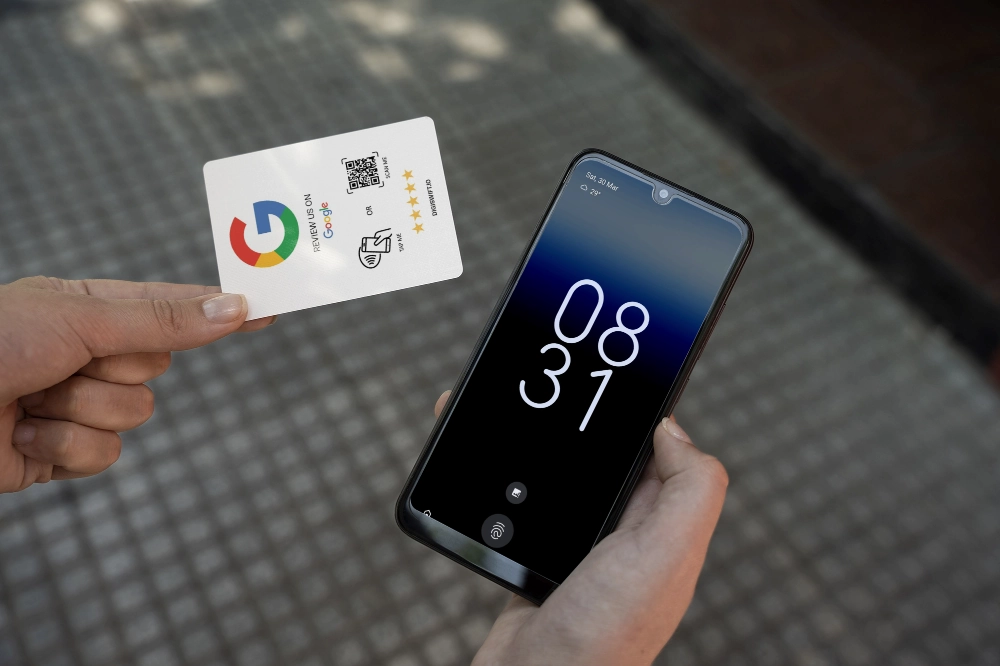
When you receive your product, tap the product with your smartphone or scan the QR code (if available).
Step 2:
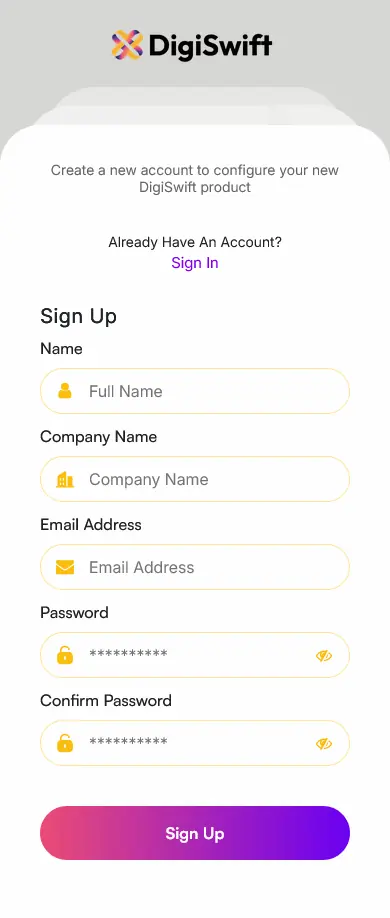
Sign up and create an account. You can use this to manage your DigiSwift products.
Step 3:
Press the “Add new products / business” button.
Step 4:
Press the configure your DigiSwift Product
Step 5:
Choose which business you would like to assign your product to.
Step 6:
Depending on your product type, link your business profile or social media account.
Step 7:
Name your product to make it easier for tracking in the future.
If you have any issues, or you are unsure, please feel free to contact us using the form here.